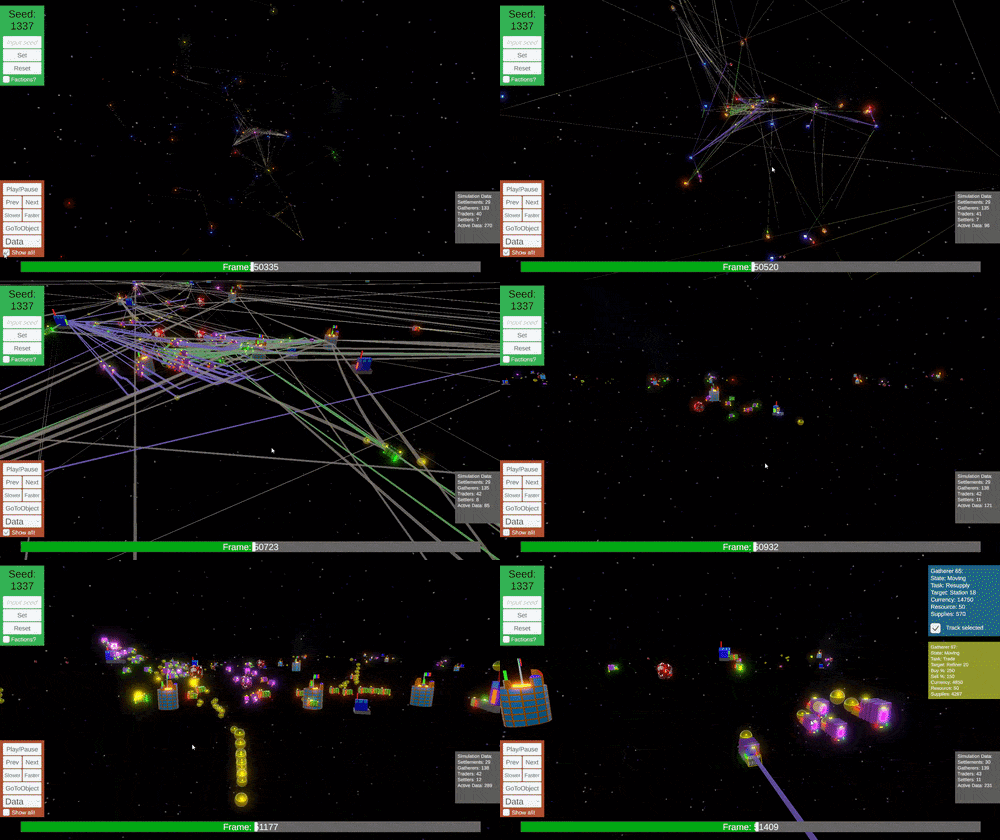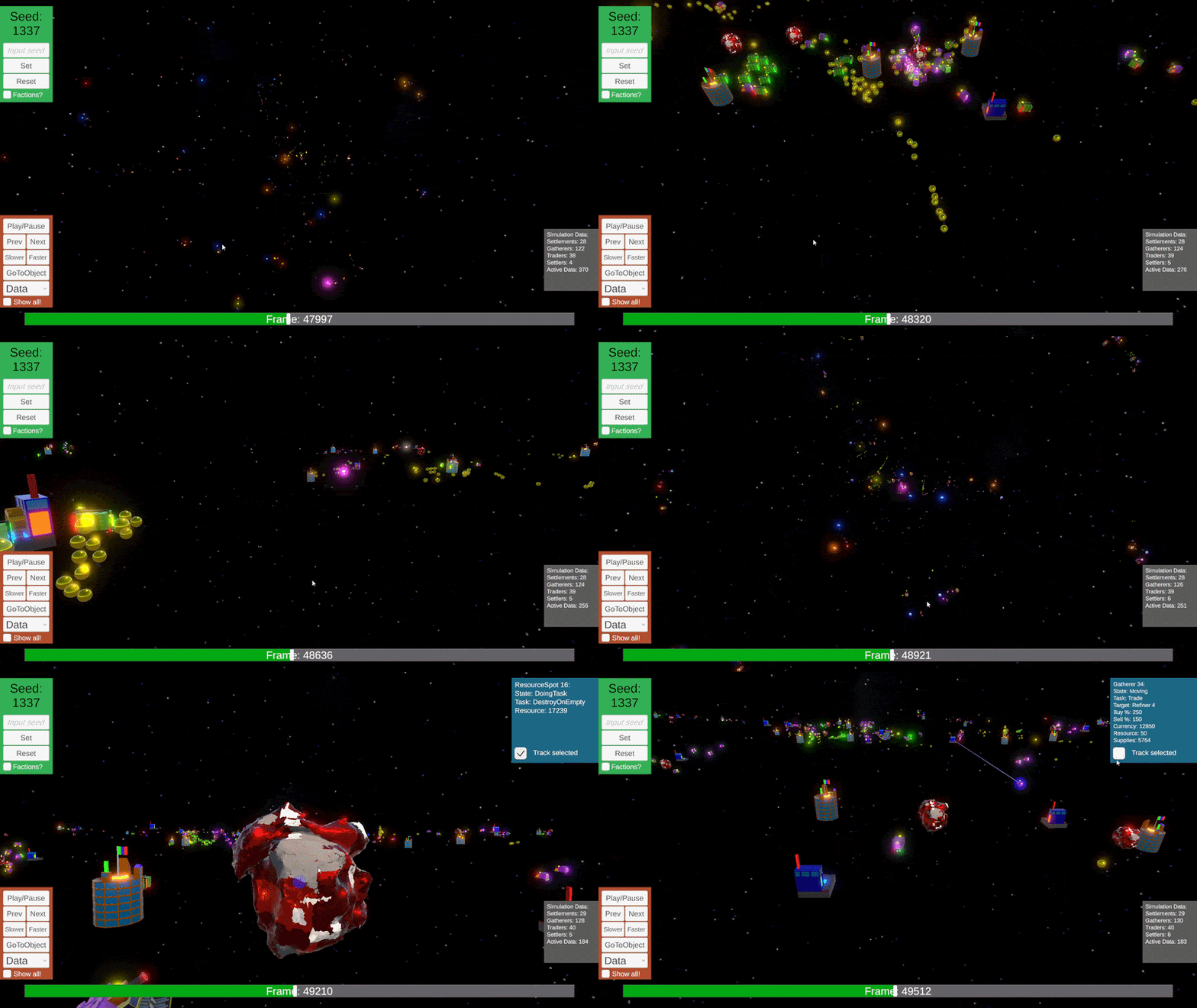
Introduction
This post contains some of the details from my exam report. The full report can be read here, the application can be downloaded here.
Key systems:
- Deterministic AI
- Seed spawning
- Playback
Purpose
The purpose of this project is to design and implement a deterministic multi-agent simulation system that produces complex interactions without relying on randomness. The project also aims to explore how playback tools such as rewind, fast-forward, time-skipping, and save/load can be integrated into a deterministic environment to enable accurate reproduction of simulation states across different sessions.
Inspiration
I once made a simple traffic system in Unreal and it was very fun to get it working. I’ve also been wanting to simulate a giant galactic economy for future space games I plan to make. I’ve was also inspired by the Youtube channel Primer and ant simulation videos like this one. The idea for large scale simulation has been something I’ve been thinking about since I first learned programming. The idea to make it deterministic came after listening to a podcast. In the podcast the developer talked about how he had built a custom deterministic physics system in Unity, including how this automatically gave him the framework for a replay system, bug replication and many other perks.
Questions
How can a deterministic simulation system with multi-agent interactions be built to support fully reproducible playback features such as rewind, fast-forward, and time-skipping?
Limitations
The simulation will focus on simplified agent behavior and interactions, not on full economic or galactic-scale depth. Visual presentation will be minimal; the core priority is system behavior and determinism. Networking, parallel processing, and distributed simulation will not be implemented.
Simulation
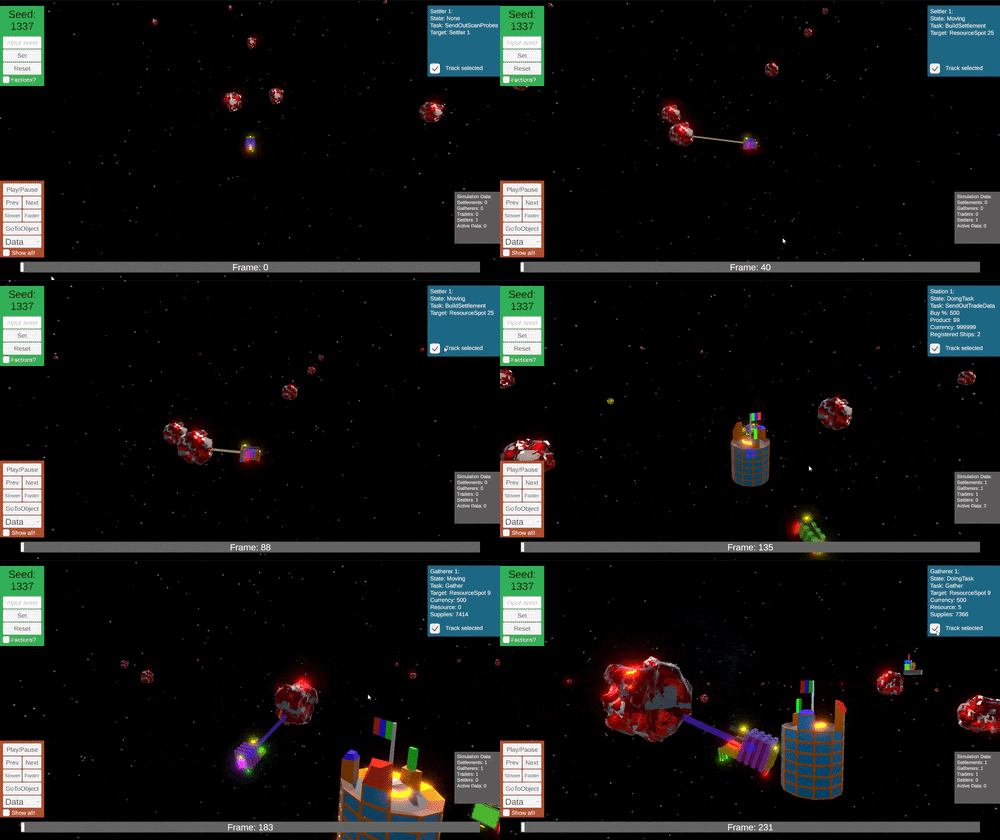
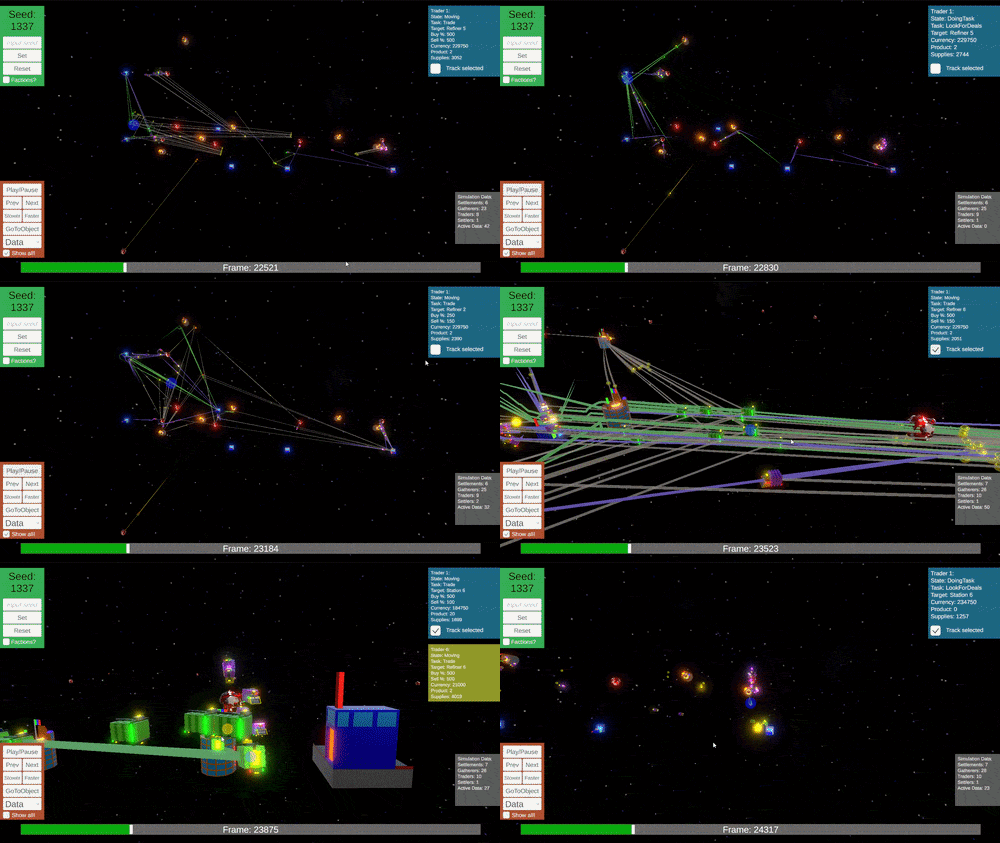
Implementation
Frame independence
The Update( ) method and Time.deltaTime relies on drawn frames and frame times, this makes it hard to achieve deterministic results with it. Even if you cap the framerate to a number your system always can handle, each drawn frame will take a different amount of milliseconds to draw. If the system was based on Time.deltaTime it would never be able to go to the exact same point in the simulation. If the system was based on drawn frames the entire solution would freeze. These issues might be solved with a work around, but the system would still be tied to factors out of the simulation's control.
Note: When I’m using the word “frame” in this report I’m not referring to the drawn frames of the engine. I’m referring to each step simulated by the simulation system.
The way to determinism:
Handler.cs is intended to replace Unity’s built-in Update() method.
Object.cs is the class that represents the agents, it’s attached to every game object you see in the scene.
Handler.cs contains the variables current frame, target frame and a pool of all agents. When the target frame is increased by 1 it will loop through each agent, calling the method NextFrame() on it. Object.cs contains the agent’s current state, stats and configuration. Based on its state and configuration the agent calls the corresponding Behaviour. Once all agents have been looped through Handler.cs will update its current frame by +1.
Handler.cs excerpt:
private void SendFrame()
{
	List<Object> currentObjects = new(activeObjects);
	foreach (Object obj in currentObjects)
	{
		obj.GoToFrame(currentFrame);
	}

	List<Object> currentDataObjects = new(activeDataObjects);
	foreach (Object obj in currentDataObjects)
	{
		obj.GoToFrame(currentFrame);
	}
}
Object.cs excerpt:
    public void GoToFrame(int frame)
    {
        if (frame == objectStats.localFrame)
        {
            return;
        }

        Behaviours();

        RefreshLineRenderers();
    }
To enable fast creation and spawning of varied initial conditions. So I added a seed system to the Handler.cs. To ensure that the seed didn’t get modified by Time.deltaTime the seed state is saved after spawning and loaded before spawning. This makes it possible to create several simulation results while also keeping the results deterministic.
Agent Behaviours
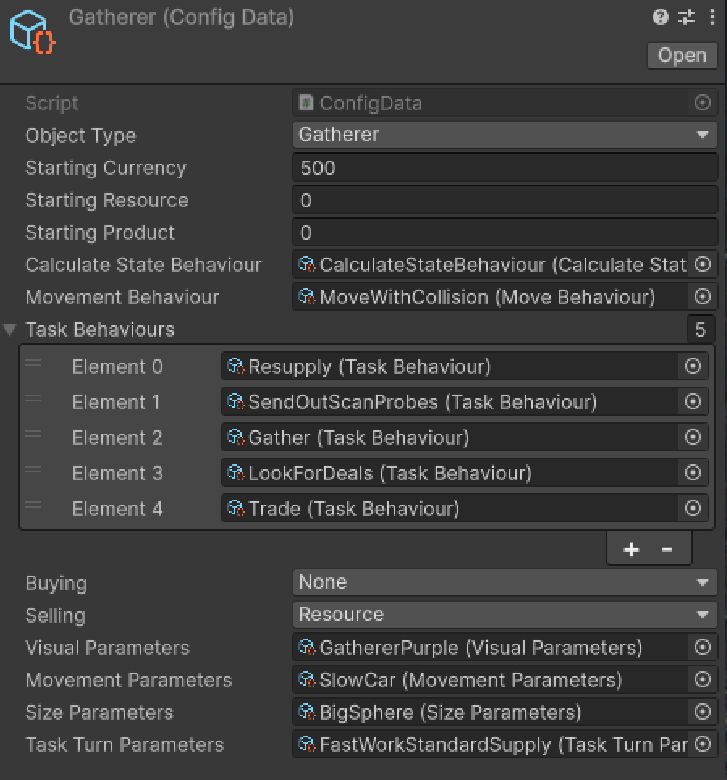 To make agent behaviours easy to add and remove from any one of the agent types. Each behaviour takes in the calling agents stats, performs the behaviour and returns the updated stats. The movement behaviour for example will read the agent's position, movement speed, collision parameters and target from the stats, it uses these to calculate the movement direction, checks for collisions and finally applies the movement. It then returns the modified stats back to the agent so it can store them.
The behaviours are sorted in lists for each agent
state. When the behavior is being performed the
logic will also check if it should continue the
current behavior, in the case of movement, if the
target is within range it will let the agent know that the current behavior is done and the
agent will move on to the next behaviour in its configuration.
Many types share behaviours, like movement, trade, scan etc..
Conclusion
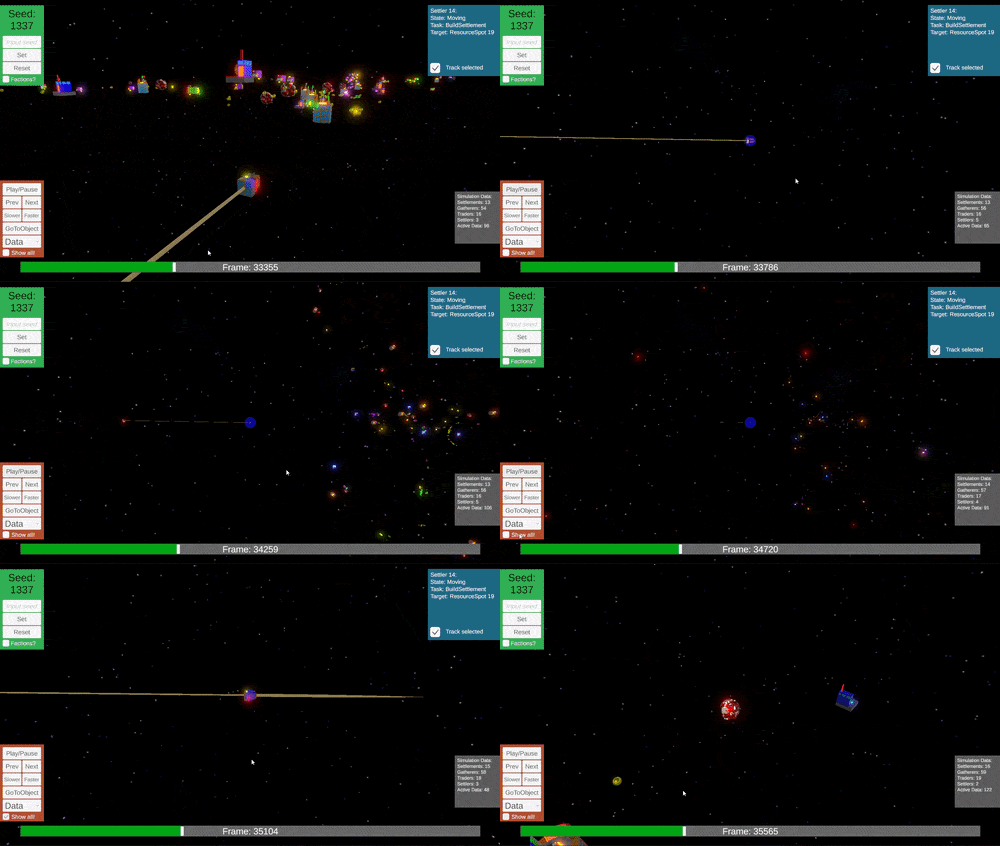
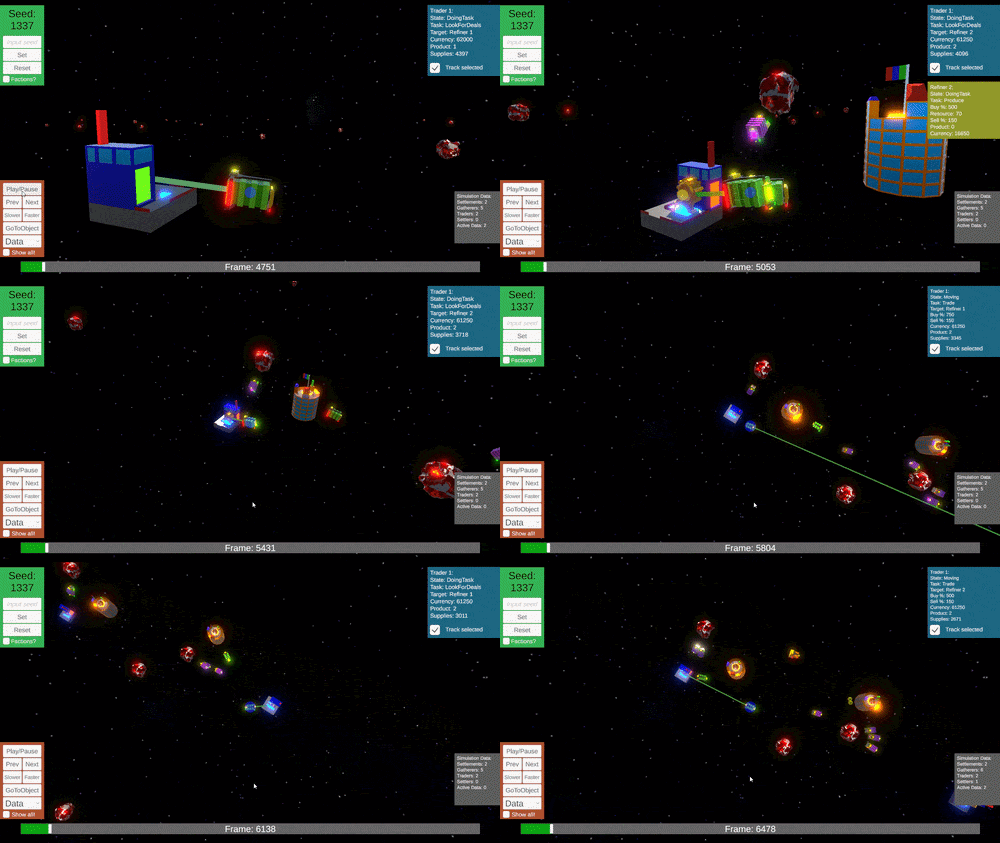
The simulation is 100% deterministic and it can generate different variations based on a seed. When all the different agent types and interactions come together, the simulation is quite complex and can grow to a large scale. Time skipping and playback functionality is there. However saving/loading did not get implemented in time.
It was possible to make this solution by following a traditional Unity code structure, however its weakness is performance. Restructuring the same system for ECS/DOTS would most likely be a very good solution to the proposed problem.
If you want to know more the full report can be read here.
If you want to try out the application you can download it here.